Barion Pixel
PrestaShop 1.7, 8, 9 compatible

A deleted product URL should return 301, not 404.

Ft20,000
One-off fee • 12 months of updates and support
See how it looks
Set up in minutes
No developer needed
Support in English
What the shop gets
Automatic 301
and a redirect manager
Redirects are created on deletion, and every existing rule is managed from one list.
What is this module for?

A shop catalogue keeps changing: products go out of stock for good, categories are merged. The URLs that disappear live on in Google results, in newsletters and in other sites' links — and they return 404. That hurts more than the visitor: a 404 URL loses the ranking it earned, the value of every inbound link goes nowhere, and the crawler spends part of the shop's crawl budget on dead addresses. A 301 keeps that chain alive — this module writes it at the moment of deletion, before the record is gone, and keeps every existing redirect in one place.

What it does

Redirects where the work used to be manual.

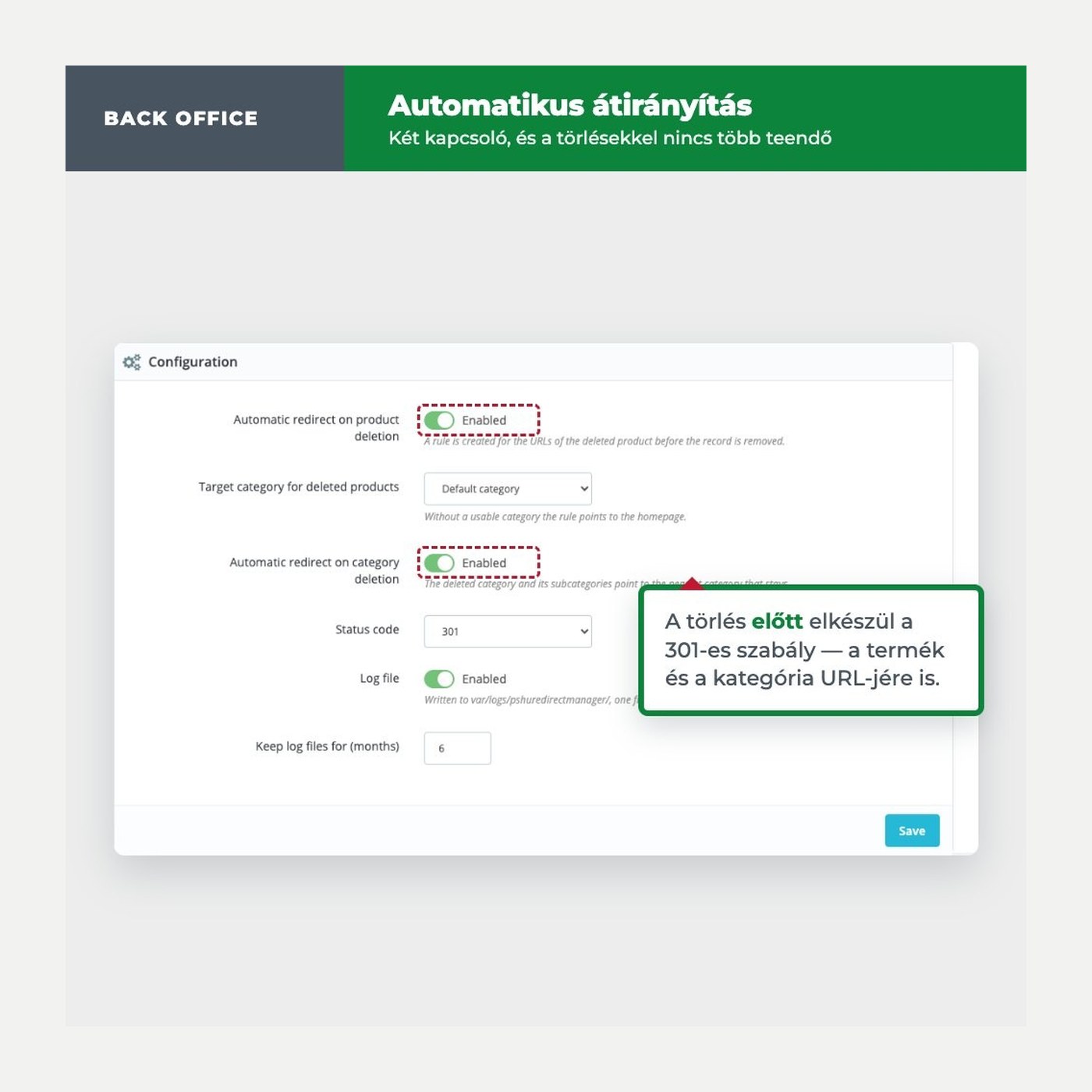
Redirect on product deletion

The rule is created before the product is removed. The target is configurable: default category, deepest or highest assigned category.


Redirect on category deletion

The deleted category and its subcategories point to the nearest category that stays. Without one, they point to the homepage.

One rule per language

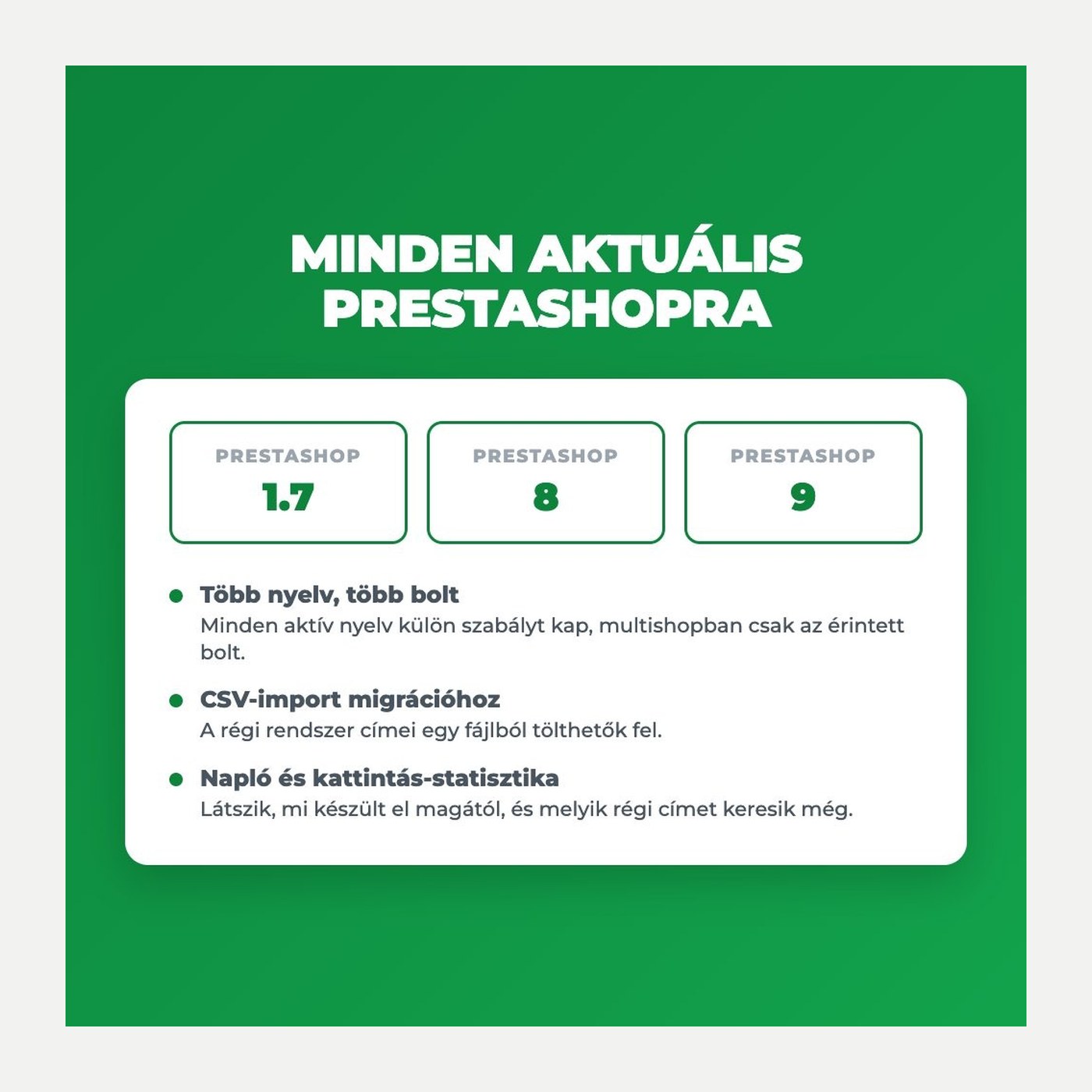
Every active language gets its own rule, and in multistore only the shop the record is removed from.

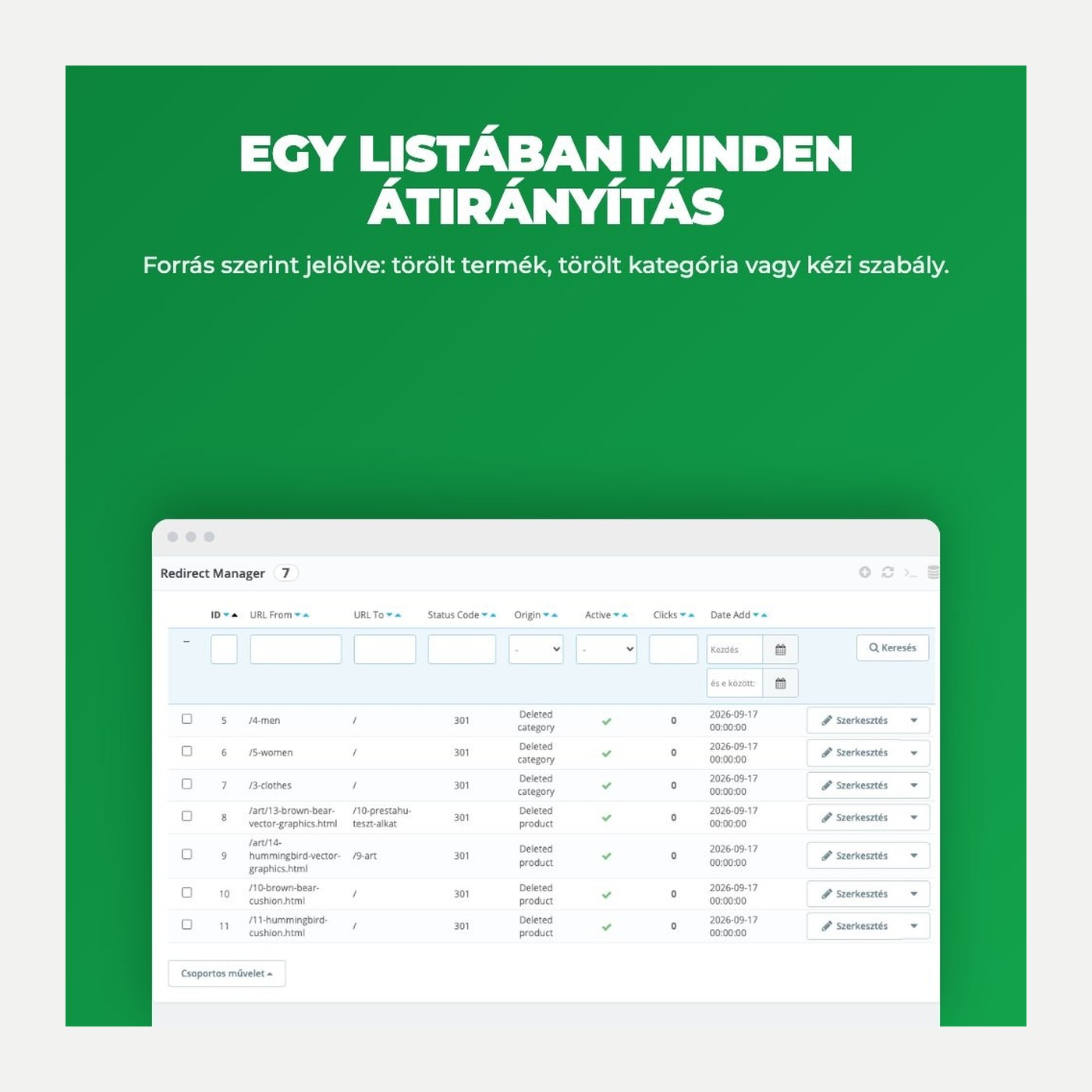
Redirect management list

Rules are editable in a list: status code, on and off, click counter, filtering by origin.

CSV import for migrations

URLs inherited from a previous system can be uploaded from a CSV file by column order.

Log of every decision

A file log of every automatic decision, one file per month, for the developer.

The real interface

This is the module from the inside

Settings
Redirect list
CSV import
Good to know

Do I need a developer?

No. Upload and install the module as usual, switch on what should be redirected, and pick the target category. From there, deletions need no further work.

Compatibility: PrestaShop 1.7 to 9, with multistore and multiple languages.
Setup: Install, two switches and one target category.
Status codes: 301, 302, 303, 307 and 308 per rule.
Import: Bulk upload from CSV with the URLs of the previous system.
Updates: 12 months of updates and support.
Why it pays off

What you gain — for visitors and for search

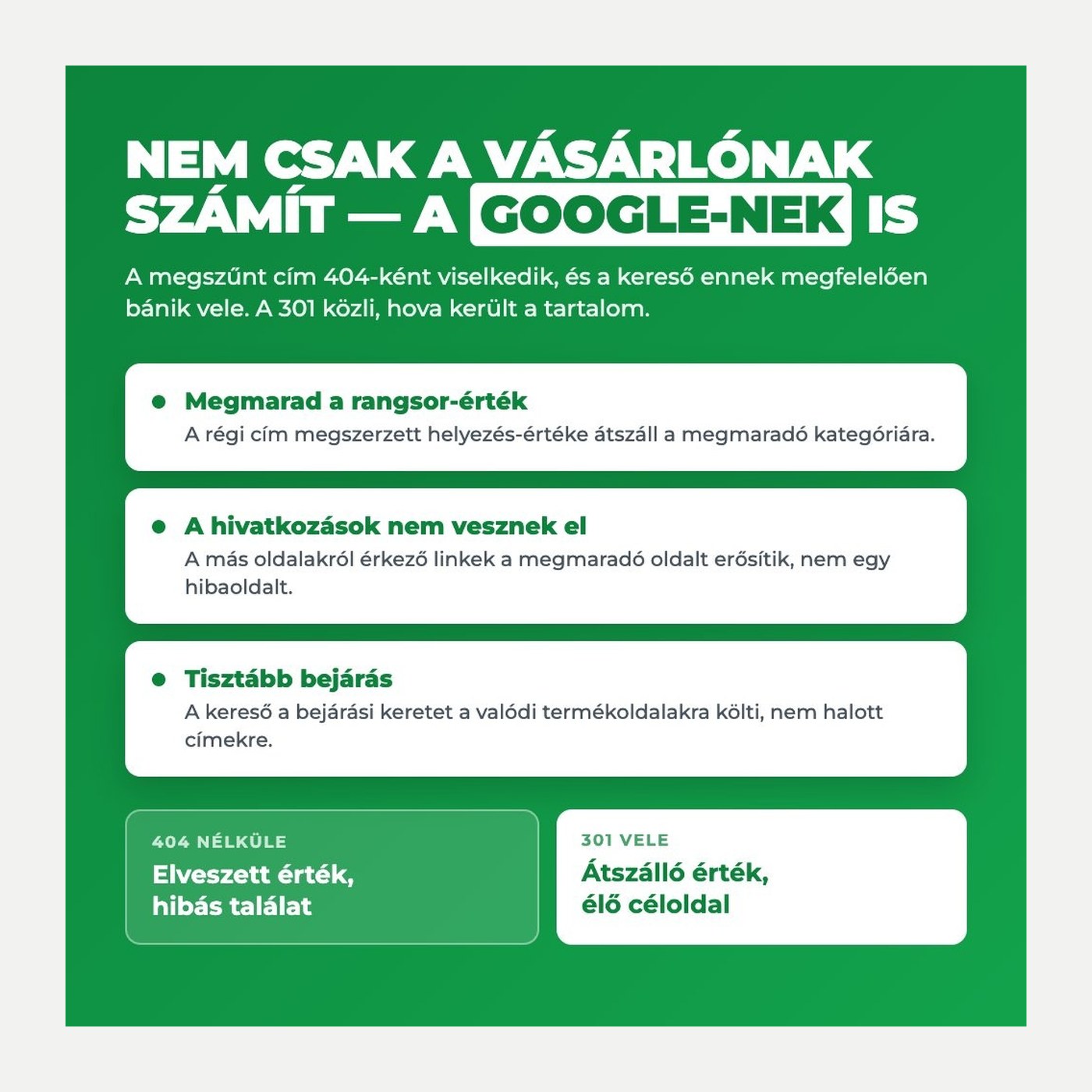
Ranking value is kept: A 301 passes the ranking the old URL earned to the category that stays; a 404 simply drops it.
Inbound links keep their value: Links from other sites and from newsletters strengthen the page that stays, not an error page.
Cleaner crawling: The crawler spends the shop\'s crawl budget on real product pages instead of dead URLs.
Visitors are not lost: Visitors from search land on a product list instead of a 404, so they do not continue at a competitor.
No cleanup afterwards: The rule is written at deletion time, so links do not have to be collected later.
You see what is still used: The click counter shows which old URLs are still visited — and the 404 list in Search Console stops growing.
Technical details

Compatibility and version

Compatibility Prestashop 1.7
Compatibility PrestaShop 8
Compatibility PrestaShop 9
Version 1.1.3
Versions

What changed in each version?

v1.1.3 — 2026-09-17
  • Timestamps now keep the time in the rule list
  • Unused files removed
v1.1.2 — 2026-09-17
  • Hungarian back-office translation
  • Localized module name and description
v1.1.1 — 2026-09-17
  • Automatic 301 for deleted products and categories
  • Target category: default, deepest or highest
  • Subcategories and every language get their own rule
  • Direct target instead of a redirect chain
  • Origin column and filter in the list
  • File log, one per month
Frequent questions

What customers ask most often

What about products that were already deleted?
No rule can be built for those, because the URL is no longer reconstructable. They can be added manually or from CSV.
What is the target when a product loses every category?
The rule points to the homepage, so the visitor does not end up on an error page.
Does the module overwrite manual rules?
No. When a URL already has a rule, the module leaves it alone and writes that to the log.
Does it work with several languages and shops?
Yes. Every active language gets its own rule, and in multistore only the shop the record is removed from.
Do redirects slow the shop down?
No. Matching is an indexed lookup on the rule table and runs before the controller loads.
What happens when the module is removed?
The rules and their statistics stay in the database; only the module settings are removed.
Can it handle URLs inherited from another system?
Yes. CSV import fills the list with the old URLs by source and target column index.
Why does this matter to Google, not just to visitors?
Because search engines treat a removed URL as a 404: the ranking it earned and the value of every link pointing at it are lost, and part of the crawl budget goes to dead addresses. A 301 tells the crawler where the content went, so the value moves to the page that stays and the 404 list in Search Console stops growing.

Redirect Manager – 301 redirects and automatic redirection Ft20,000