Barion Pixel
PrestaShop 1.7, 8, 9 compatible

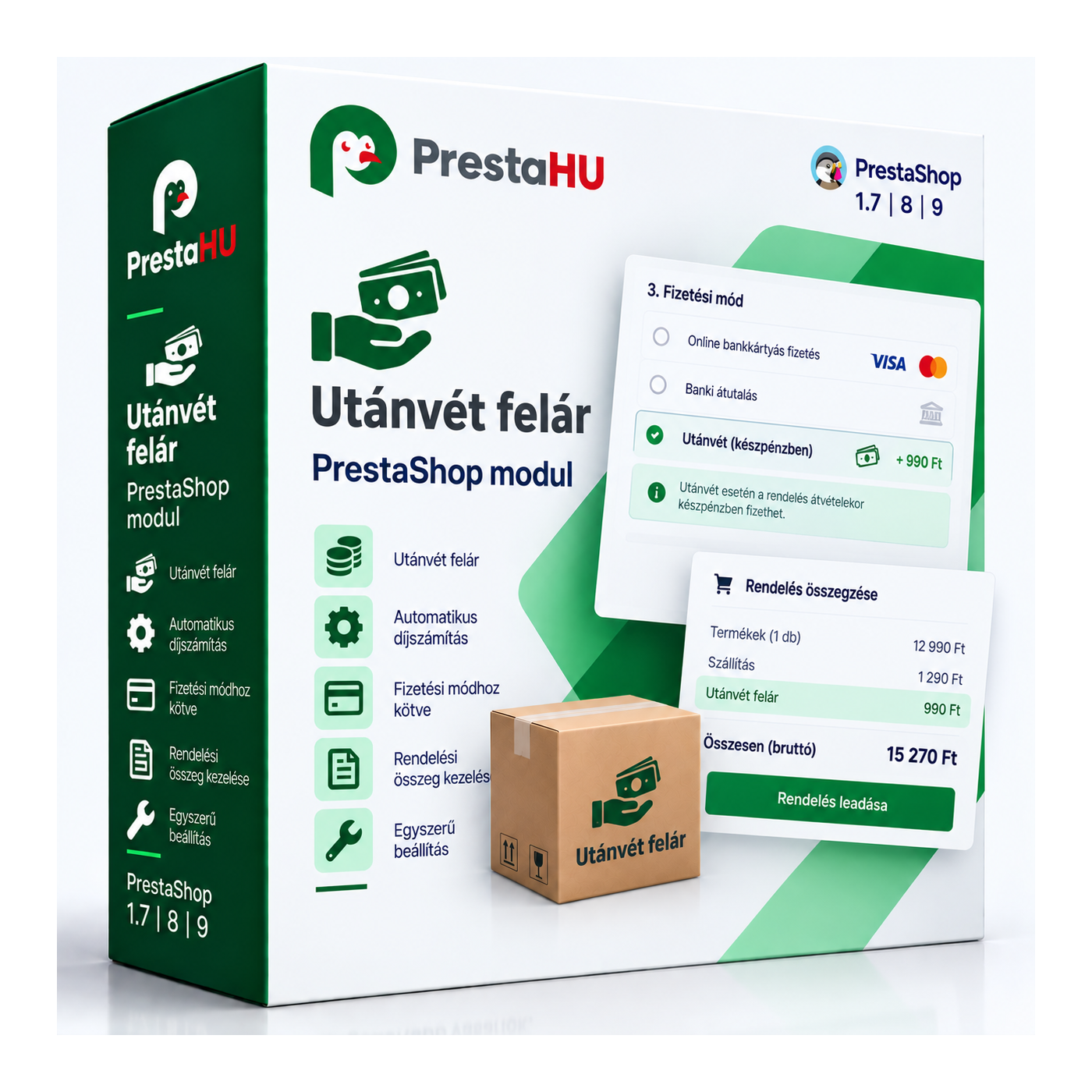
Cash on delivery fee: an automatic charge on COD orders, driven by your rules.

Ft0
One-time fee • 12 months of updates and support
Fixed or percentage fee
Rule-based conditions
Hungarian support
What it takes off your plate
COD fee
applied at checkout
The fee is applied to the order by your rules, with no manual calculation.
A walkthrough of the module in action
What is this module for?

The module adds a fee to cash on delivery payments. The charge can be a fixed amount or a percentage of the cart, with minimum and maximum caps, and it can be tied to conditions: carrier, country, zone, customer group, category or cart value. The customer sees the fee at checkout, and it is added to the order either as a separate product line or on top of the shipping cost, with a tax rule and order status you define.

What it does

Set it up once, then every COD order gets the fee by your rules.

Fixed or percentage fee

The fee can be a fixed amount or a percentage of the cart, with minimum and maximum caps.

Rule-based conditions

Conditions can be based on carrier, country, state, zone, customer group, category, manufacturer, supplier and cart value.

Shown at checkout

The customer sees the COD fee under the payment method before placing the order.

Product line or shipping fee

The fee appears as a separate product line in the order, or added to the shipping cost.

Tax and order status

A tax rule can be assigned to the fee, and you set the status the COD order is created with.

Multi-shop and currency

On multi-shop installs it can be set per shop, and the fee is converted to the shop's currency.

The actual interface

How it appears at checkout

The COD fee at checkout, under the payment method
Good to know

What do you need?

No external service. Upload the module as usual, set the fee and its conditions, and COD orders are charged accordingly right away.

Compatibility: PrestaShop 1.7 to 9, PHP 7.1 to 8.4.
Fee type: Fixed amount or percentage, with minimum and maximum caps.
Conditions: Carrier, country, state, zone, customer group, category, manufacturer, supplier and cart value.
Integration: As a product line in the order, or added to the shipping cost.
Tax: A tax rule can be freely assigned to the fee.
Updates: 12 months of updates and Hungarian support.
Why it helps you

What you gain

Cover the cost: The COD handling cost is paid by the customer, not the shop.
Fewer refused parcels: The fee nudges customers toward prepayment, so fewer COD parcels are refused.
Precise rules: The fee appears only where your conditions set it.
Clear to the customer: The customer sees the fee at checkout, so there is no surprise after ordering.
Technical details

Compatibility and version

Compatibility Prestashop 1.7
Compatibility PrestaShop 8
Compatibility PrestaShop 9
Version 1.1.2
Versions

What changed in each version

v1.2.0 — 2026-08-30
  • Licence protection refresh (v2)
  • PrestaShop 9 compatibility
  • Cash on delivery payment fixes
Frequently asked

What buyers ask before purchasing

Can the fee be fixed or percentage?
Both. You can set a fixed amount or a percentage of the cart, with minimum and maximum caps.

What conditions can the fee depend on?
Carrier, country, state, zone, customer group, category, manufacturer, supplier and cart value; the first matching condition's fee applies.
Where does the customer see the fee?
At the payment step of checkout, under the cash on delivery payment method, before the order is placed.
How is the fee added to the order?
Your choice: as a separate product line in the order, or added to the shipping cost.
Can a tax be assigned to the fee?
Yes, a tax rule can be freely assigned to the fee, and you can set the status the order is created with.
Which PrestaShop versions are supported?
PrestaShop 1.7 to 9, PHP 7.1 to 8.4.

Utánvét felár Ft0
My modules