Event-based triggers
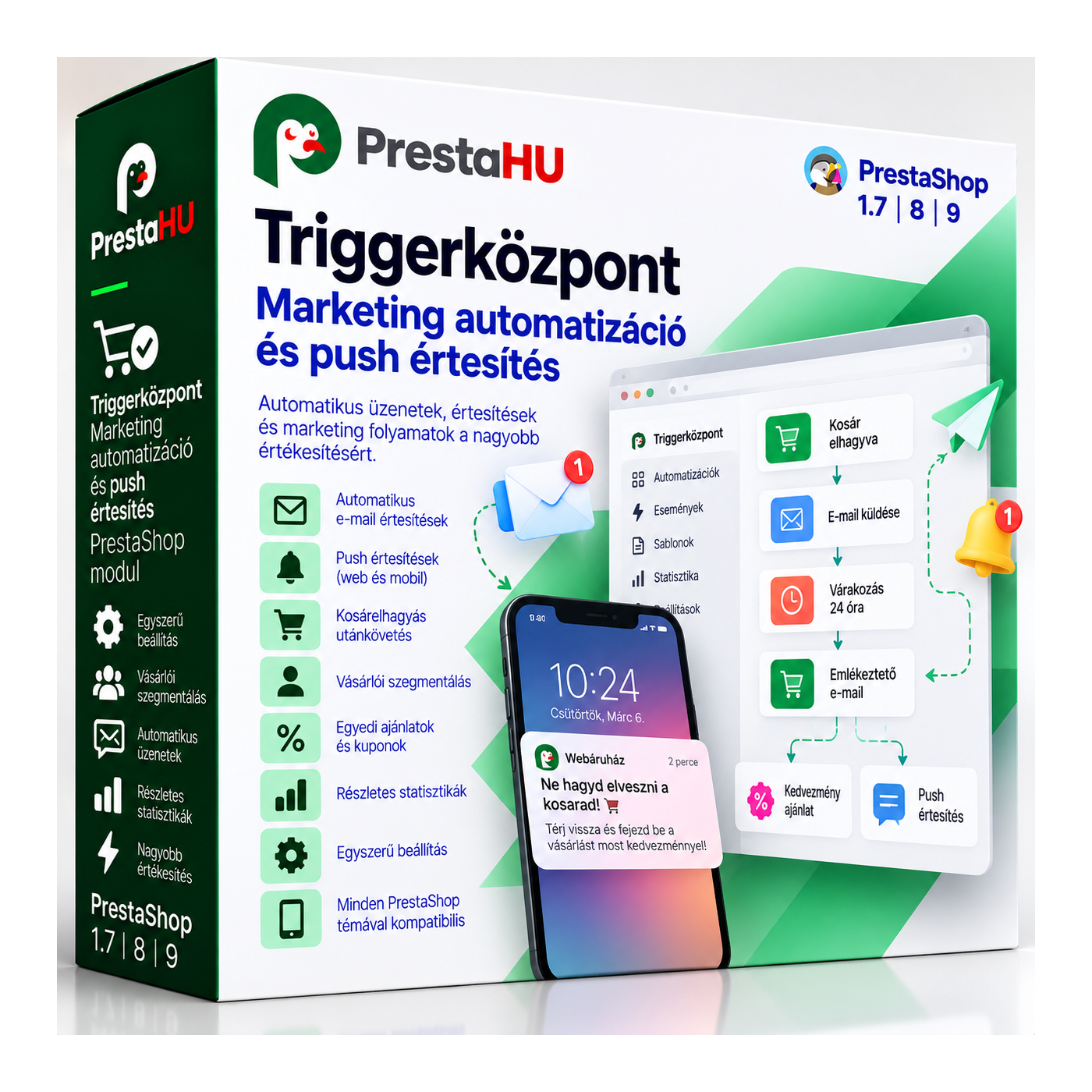
Order status change, abandoned cart, registration and product view fire the message, with no manual list handling.


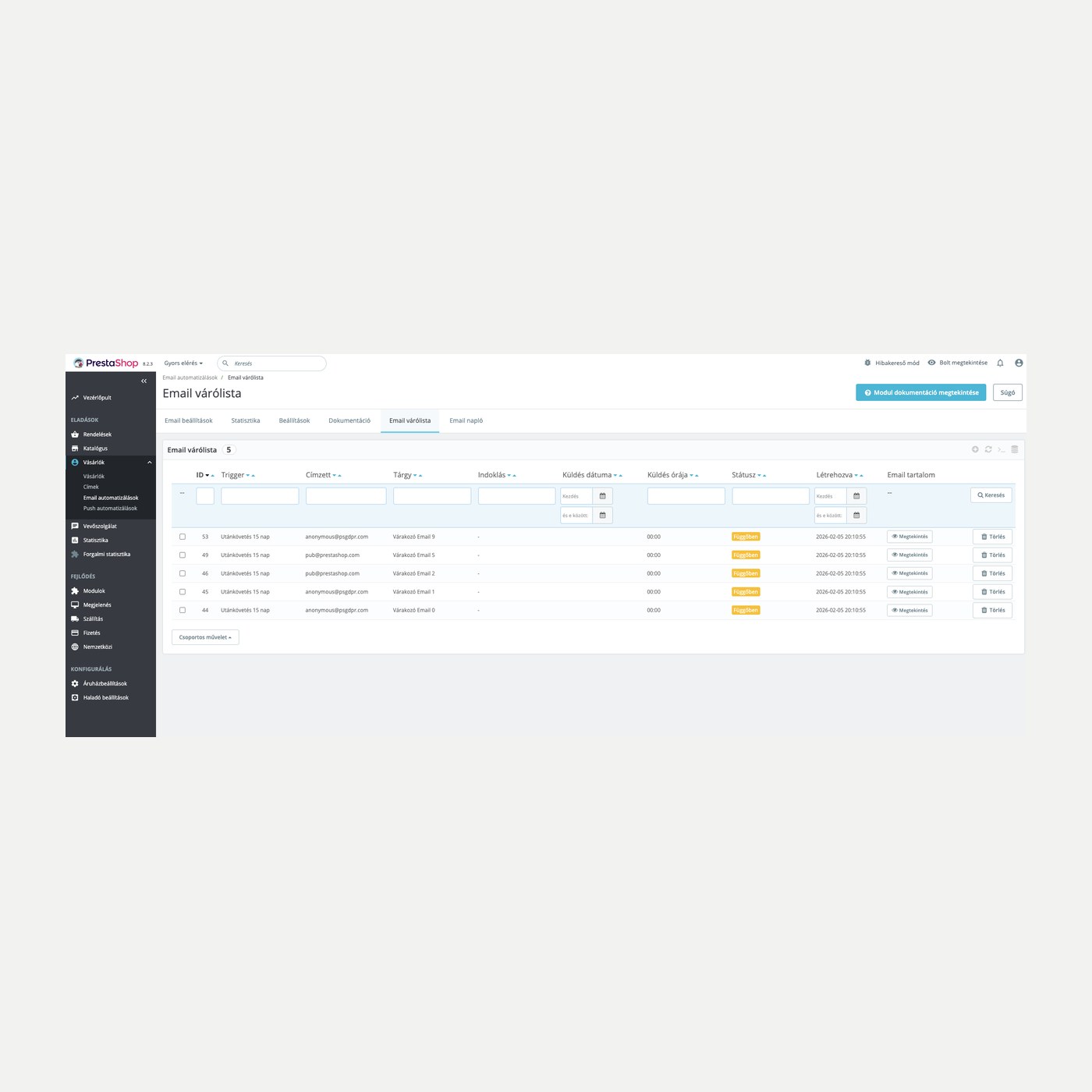
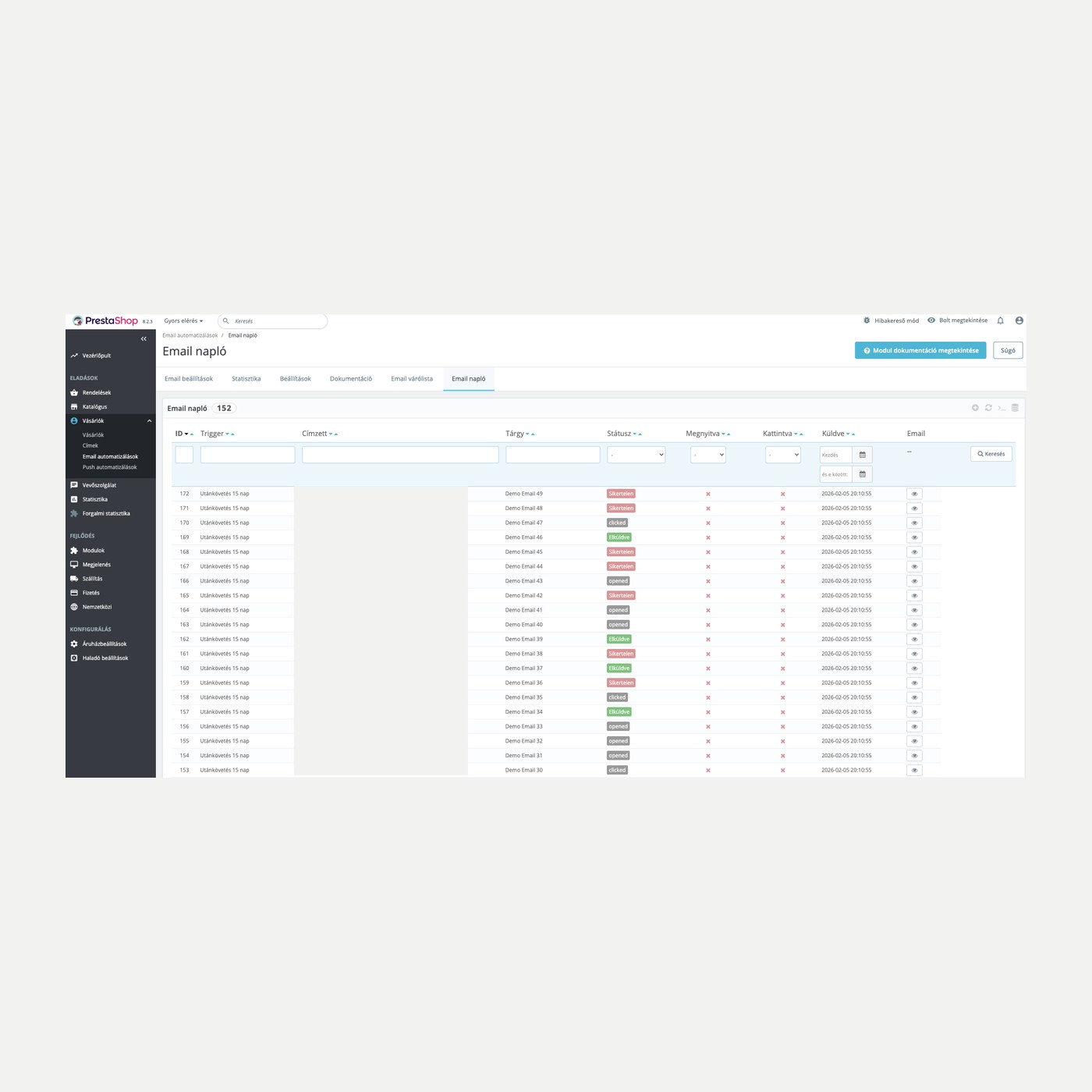
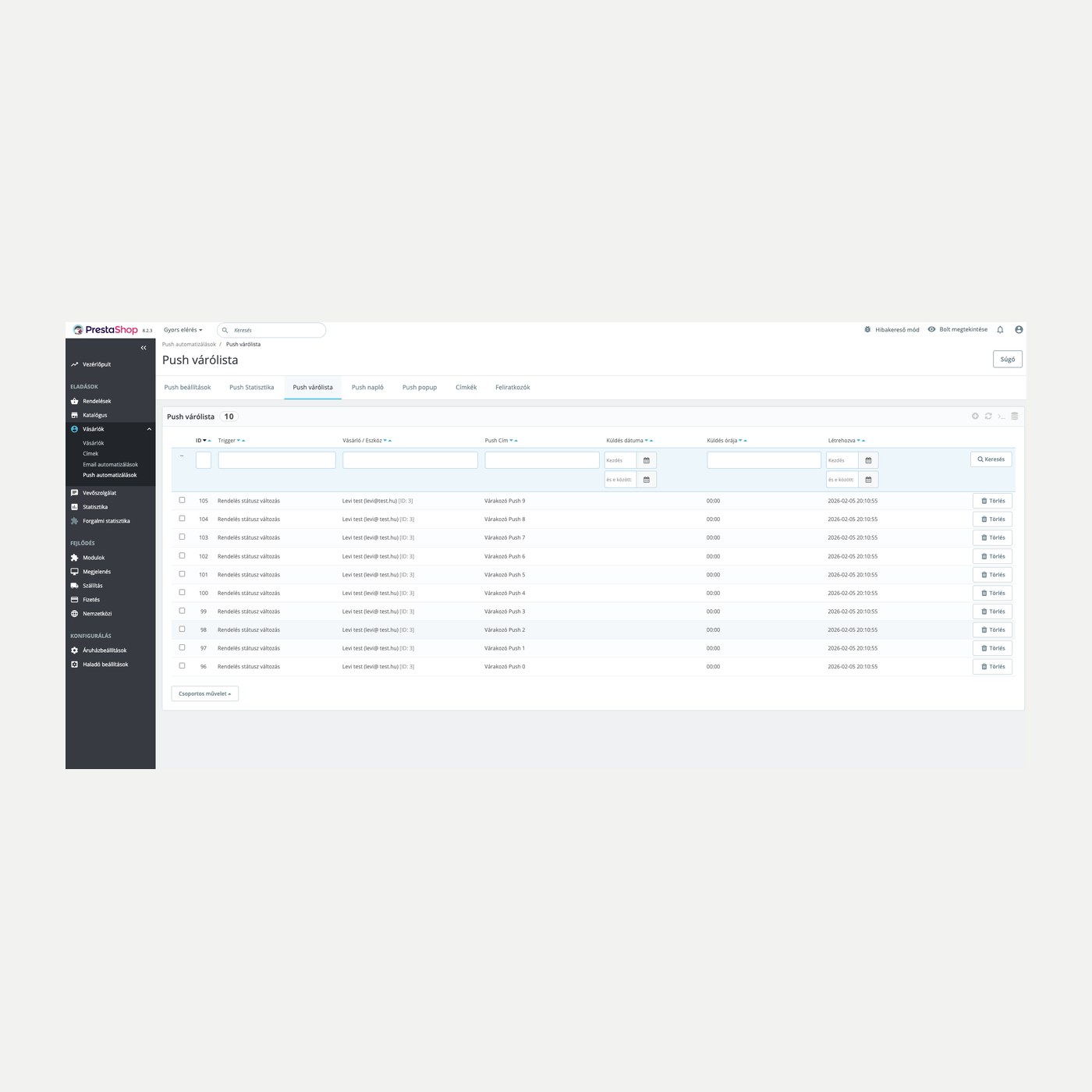
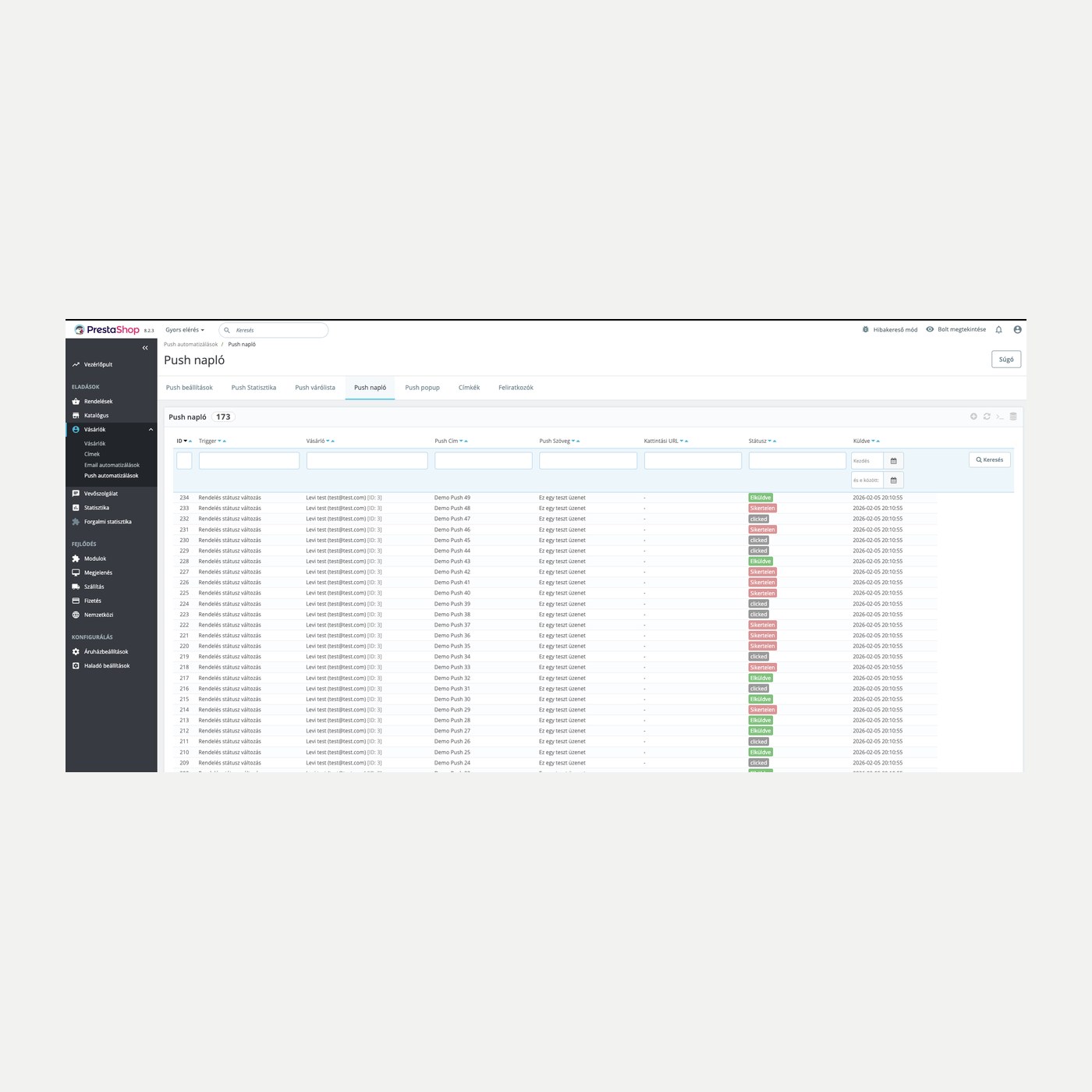
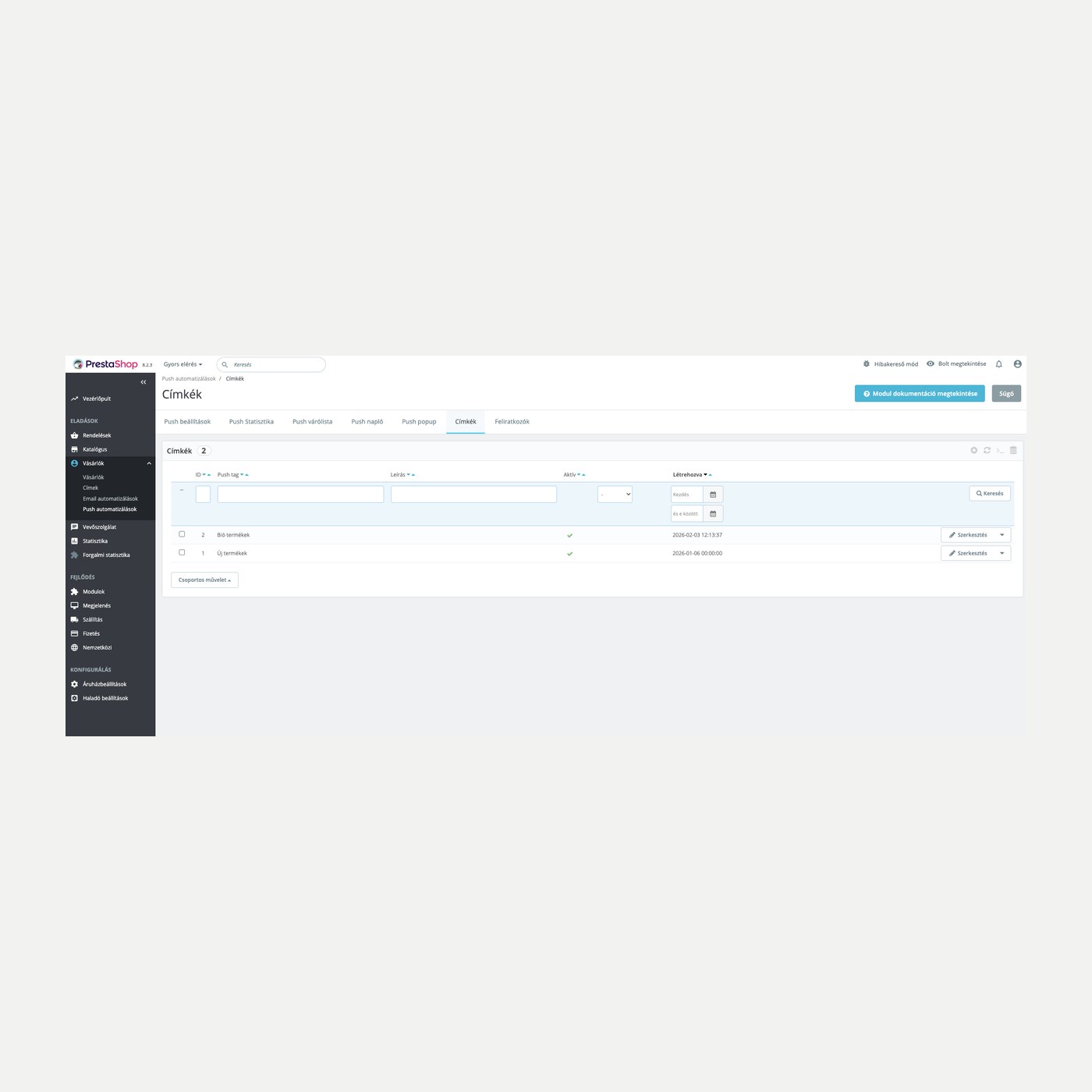
A customer does something in the shop, and the module reaches out on its own. You decide which event fires which email or web push: order status change, abandoned cart, registration or a product view. Sending runs on a schedule from a queue, subscribers are grouped with tags, and you see per channel what performs.
Order status change, abandoned cart, registration and product view fire the message, with no manual list handling.
The automatic reminder restores the cart; the discounted offer is sent per cart from the Abandoned carts list, with a single-use coupon.
Fresh in-stock items from the categories of the customer's earlier purchases go into the email and the push notification.
Customers who last ordered long ago receive one email per customer, with batched sending and a repeat block.
Uses your own template filled with the order and customer data; sending runs on a schedule from a queue. Templates ship in Hungarian, English, German and Czech.
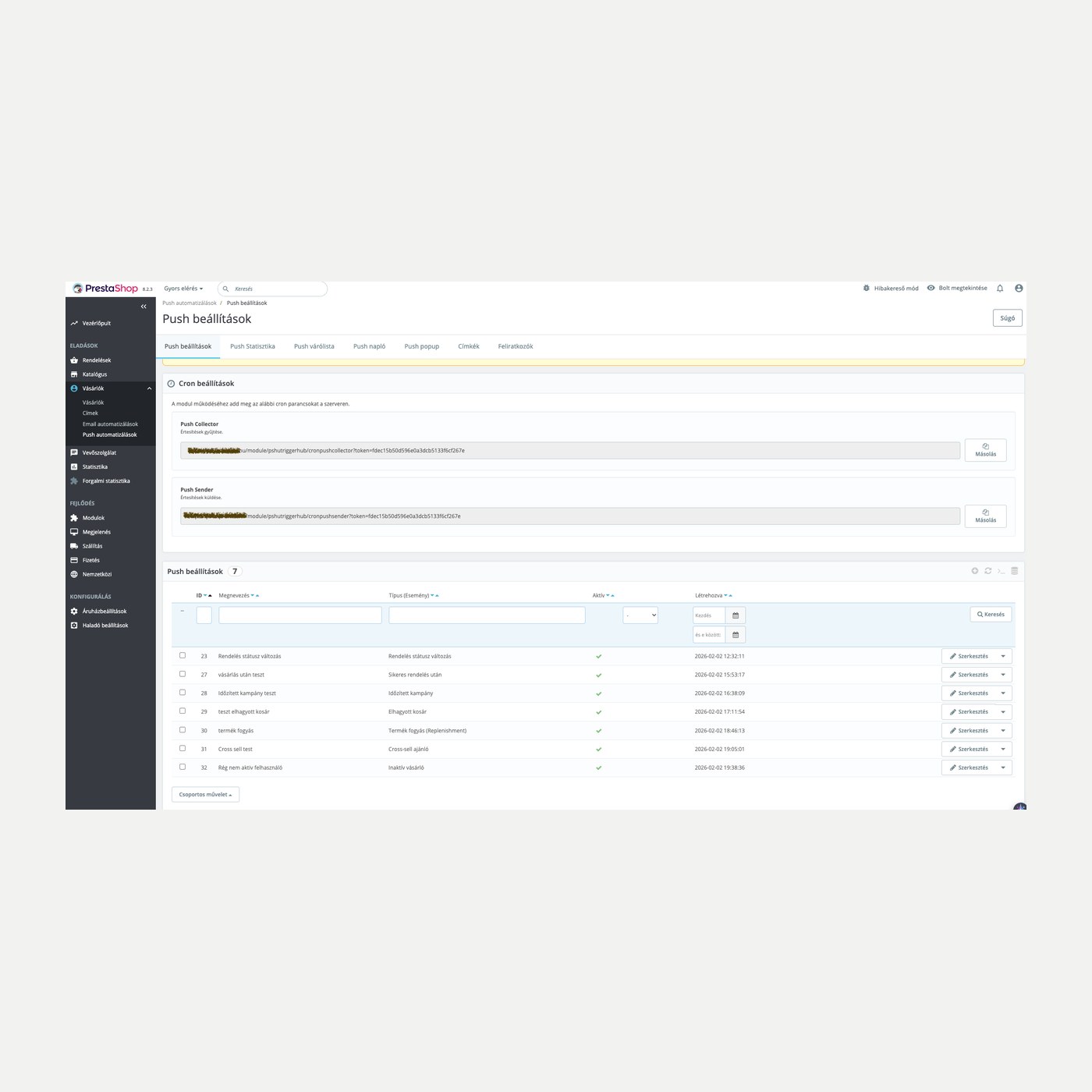
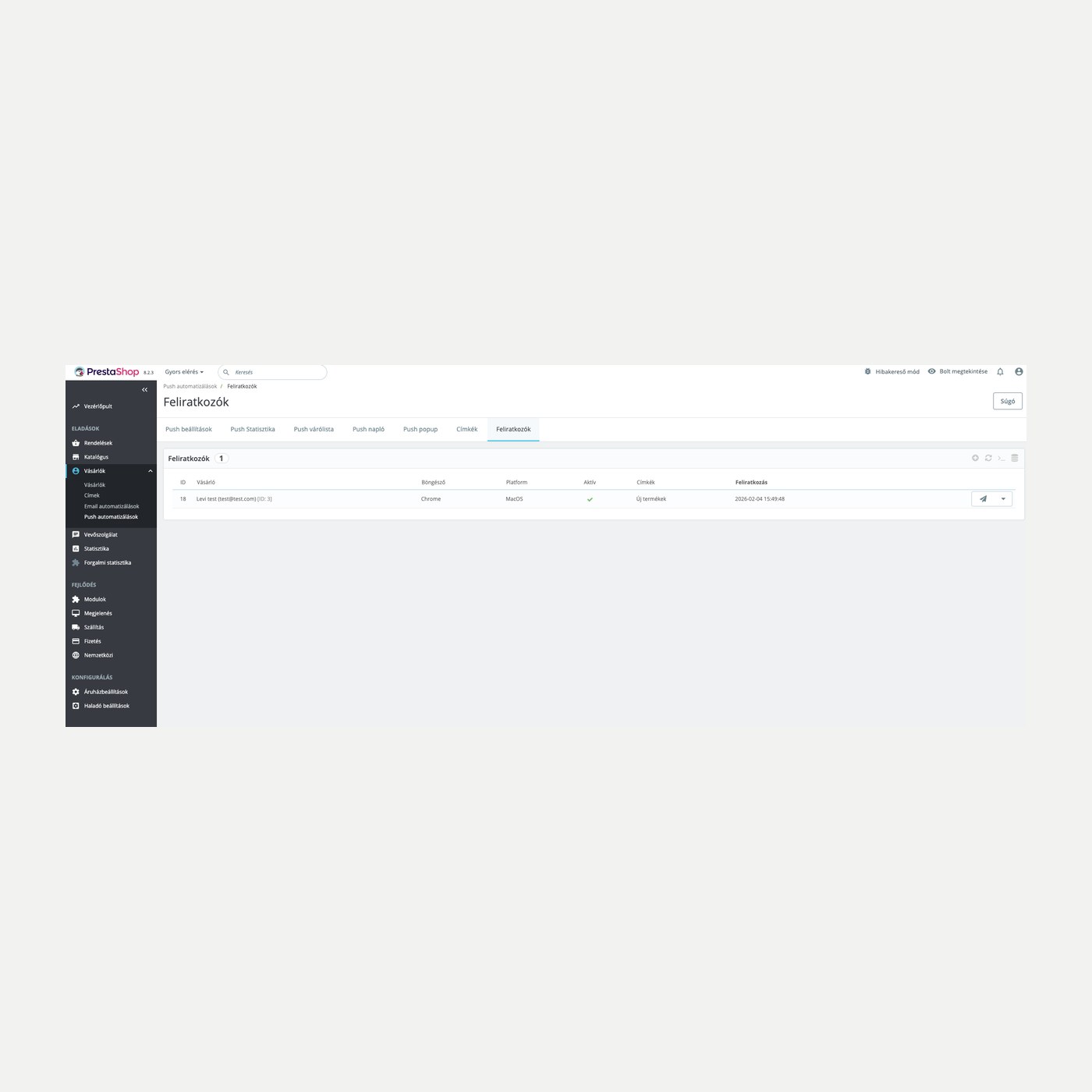
You can reach the customer after they leave the shop: the push arrives in their browser once they subscribe, with a subscribe popup and tagging.
You set how many marketing emails and push notifications a recipient may receive per week; order status notifications are not counted.
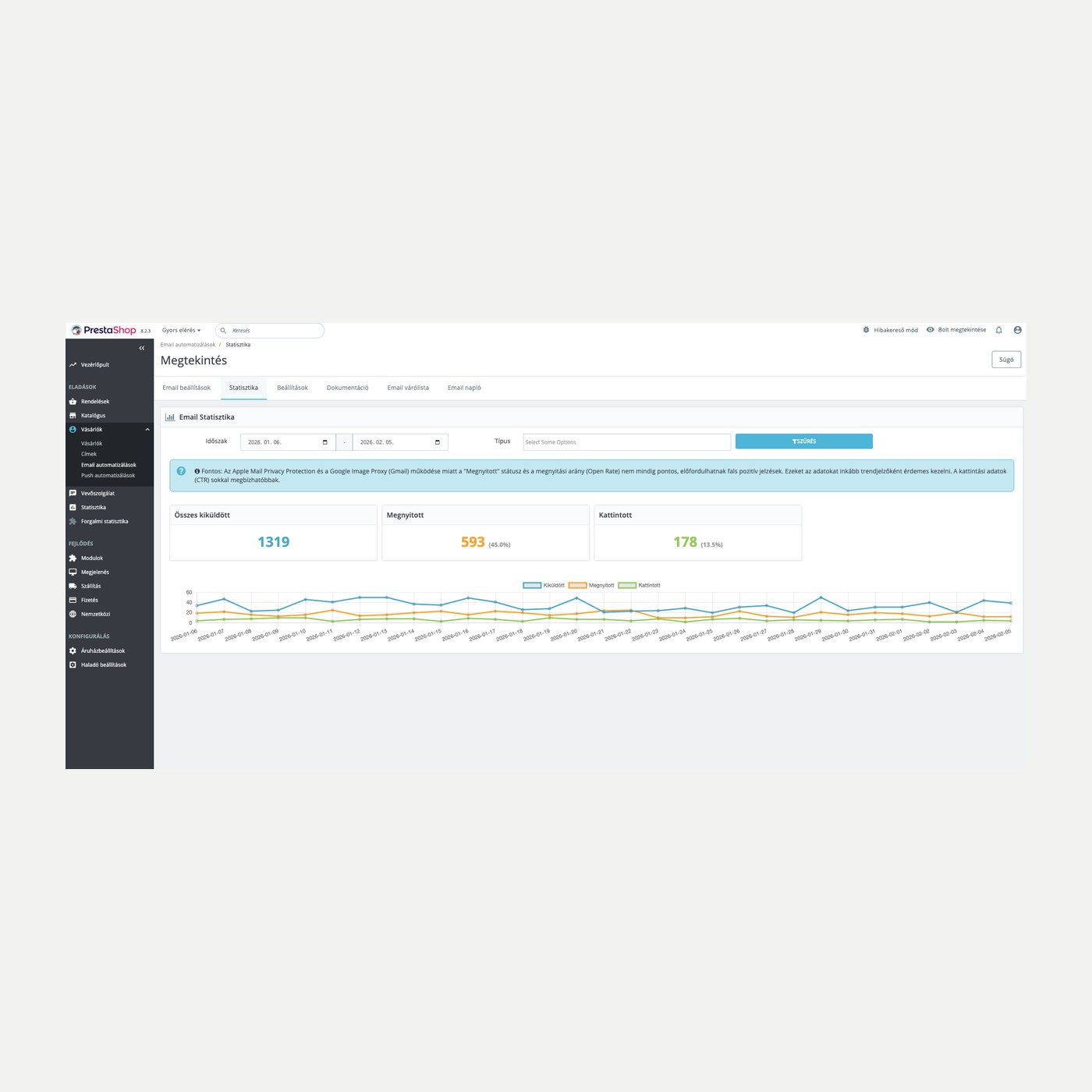
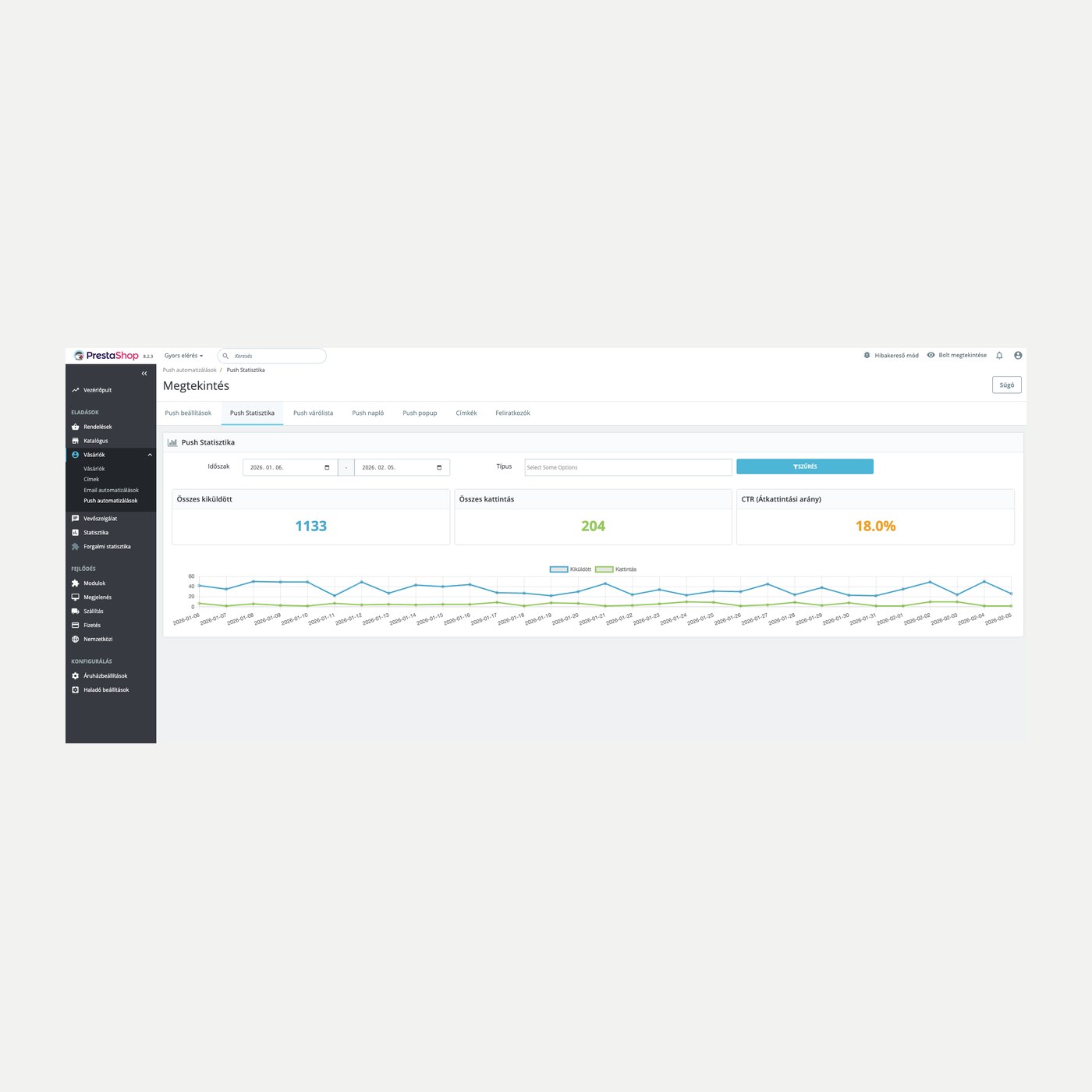
Sends, opens and clicks per channel, plus the order value in the days following a send, per trigger.
You upload and install the module the usual way. Regular sending needs two cron commands set on the server; the admin gives you every URL to copy with one click.
Browse our other PrestaShop modules.
Courses and tutorials for PrestaShop.
Detailed usage documentation.
Direct help during install and setup.
A Magyar Posta - MPL modul segítségével a Magyar Posta-PostaPont és a csomagmegőrző szekrény szállítási módok lesznek elérhetőek az Ön...
This module enables the connection and automatic invoicing between your shop and the Invoice.com system.
More and more shoppers skip the search results page and ask ChatGPT, Gemini or Perplexity where to buy something. This module builds a...
A Foxpost module által a Foxpost csomagautomata és Foxpost házhozszállítás szállítási lehetőséget elérhetőek lesznek a felhasználók...
Card payment option via OTP SimplePay for PrestaShop 1.7.x, 8.x and 9.x versions.
With the GLS module, GLS parcel point (except Serbia) and home delivery delivery methods will be available to your customers. Supported...