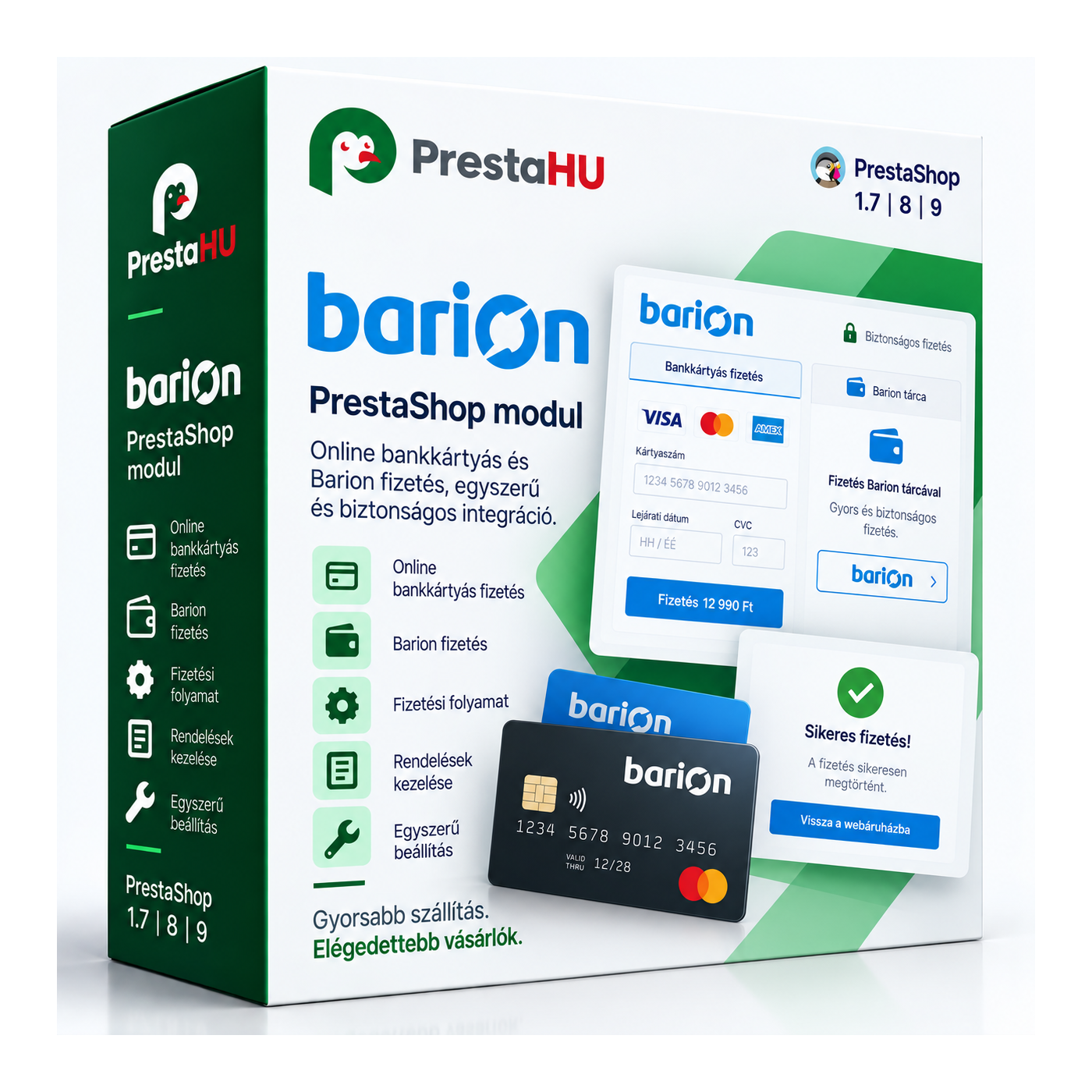
Barion Pixel
PrestaShop 1.7, 8, 9 compatible

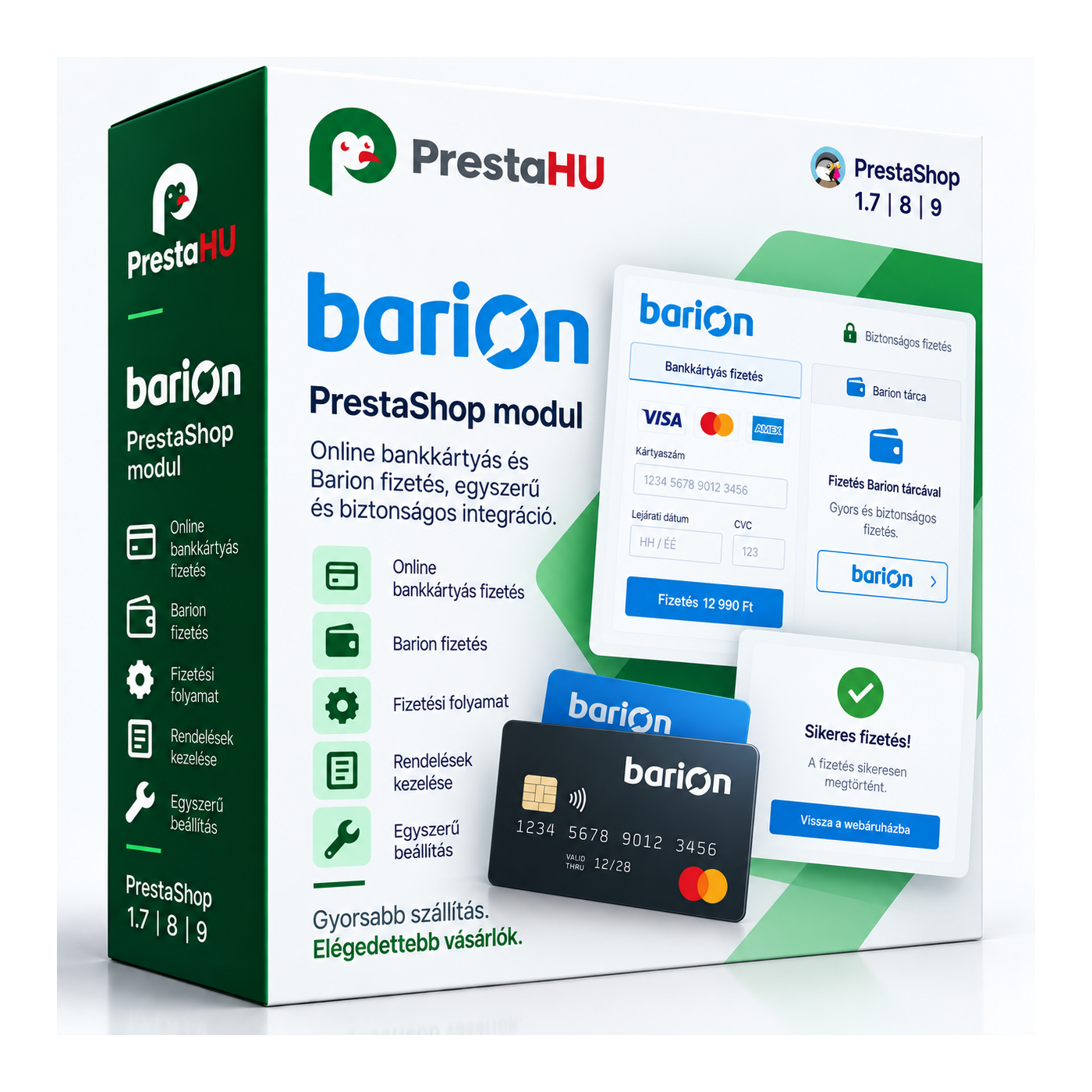
Barion integration: bank card payment at your shop's checkout.

Ft23,999
One-time fee • 12 months updates and support
See how it looks
Card, Apple Pay, Google Pay
Automatic status (IPN)
Support in Hungarian
What it takes off your plate
Online card payment
without manual reconciliation
The customer pays at checkout, and the order status moves to the correct state automatically from the Barion confirmation.
A walkthrough of the module in action
What is this module for?

The customer pays by bank card on the secure Barion page at checkout, with Apple Pay and Google Pay supported. The order status updates automatically from a server-side notification (IPN) based on the payment result. Failed payments can be retried, and the Barion Pixel forwards events for ad measurement.

What it does

Set it up once, then Barion handles the payments.

Bank card payment

The customer pays by bank card on the secure Barion page; Apple Pay and Google Pay are supported.


Automatic status (IPN)

Based on Barion's server-side notification (IPN), the order status moves to the correct state automatically, without manual reconciliation.

Retry for failed payments

After an interrupted or declined payment, the customer can retry via a link shown on the order confirmation, in their account, and optionally by email.

Barion Pixel conversion tracking

The Barion Pixel forwards shop events (add to cart, product view, purchase and more) to Barion, with consent handling.

Multiple currencies

You can accept payments in several currencies, according to your Barion account settings.

Test and live mode

Test (sandbox) and live mode; the full payment flow can be tried safely before going live.

Actual interface

What it looks like in the admin and at checkout

Overview: what is ready, at a glance
Charge immediately, reserve, or capture later
Every Barion payment in one list
Refunds from the order page
Sandbox and live connection, with a check
An order state for every payment situation
Barion Pixel with cookie consent
Barion at checkout
Good to know

What do you need?

A Barion merchant account and its POSKey. Upload the module as usual, enter the Barion merchant details, and the payment method appears at checkout right away.

Compatibility: PrestaShop 1.7.4 to 9.
Connection: The official Barion gateway, with your own merchant account (POSKey).
Payment methods: Bank card payment on the secure Barion page, with Apple Pay and Google Pay support.
Conversion tracking: Built-in Barion Pixel for forwarding events, with consent handling.
Sandbox: Test (sandbox) and live mode; can be tried safely before going live.
Updates: 12 months of updates and support in Hungarian.
Why it's good for you

What do you gain?

Instant payment: The customer pays immediately by card, Apple Pay or Google Pay, no waiting for a bank transfer to arrive.
Fewer lost orders: Interrupted payments can be retried by the customer via a link, so fewer carts are left unpaid.
Sharper ad measurement: The Barion Pixel forwards purchase events, making the measurement of your ads more accurate.
Less manual work: The order status updates automatically from the payment result, with no manual reconciliation.
Technical details

Compatibility and version

Compatibility Prestashop 1.7
Compatibility PrestaShop 8
Compatibility PrestaShop 9
Version 2.5.10
Versions

What changed in each version?

v2.5.10 — 2026-09-29
  • Payment with a long address or name
  • Payment with Australian, Mexican, Argentine, Indonesian states
v2.5.9 — 2026-09-29
  • Saving a live Pixel ID that ends in a letter
  • Pixel ID, POSKey and e-mail without a format check
  • Time to pay up to 7 days
v2.5.8 — 2026-09-29
  • Settings page on MySQL 8 databases
  • Refund dialog shows only when opened
  • Column labels in the mobile lists
v2.5.7 — 2026-09-28
  • Install and update on MySQL 8 databases
v2.5.6 — 2026-09-24
  • Settings link on the Payments list
v2.5.5 — 2026-09-24
  • Step-by-step setup and checked go-live
  • Reservation, delayed capture, refunds
  • Payments list and payment events
  • Full Barion Pixel with consent modules
  • EUR, CZK, USD, RON, PLN, Apple Pay, Google Pay
  • Czech, Slovak, Romanian, Polish, German
v2.5.4 — 2026-09-10
  • Barion Pixel encrypted email and phone
  • Barion payment shows only with a configured account
  • Hungarian UI in the shop
  • Payment error details hidden from the customer
v2.5.2 — 2026-07-08
  • Refreshed Barion payment logo and card icons
  • More robust payment builder under the hood
v2.5.1 — 2026-07-06
  • Renewed licence protection (v2)
  • Retry link by email for failed payments
  • Retry button on the order detail and confirmation
  • Supported PrestaShop extended down to 1.7.4
v2.4.0 — 2023-05-17
  • PrestaShop 8 compatibility
Frequently asked

What buyers ask before purchasing

Which payment methods does it support?
Bank card payment on the secure Barion page, with Apple Pay and Google Pay support. The order status updates automatically from the payment result.
Do I need a Barion account?
Yes, a Barion merchant account and its POSKey are required to accept payments.
What happens on a failed payment?
The customer can retry the payment via a link. The link appears on the order confirmation and in their account's order detail, and can optionally be sent by email.
What is the Barion Pixel?
The Barion Pixel forwards shop events (add to cart, product view, purchase and more) to Barion. Event sending can be fine-tuned with consent handling.
Which PrestaShop versions does it run on?
PrestaShop 1.7.4 to 9. Works with multistore installations too.
Can I try it before going live?
Yes. The module has a test (sandbox) mode, so the flow can be tried without a live payment.
On how many shops can I use one licence?
The licence is tied to the domain given at purchase. Another shop needs another licence; write to us and we'll sort it out.

Barion Payment Ft23,999
My modules