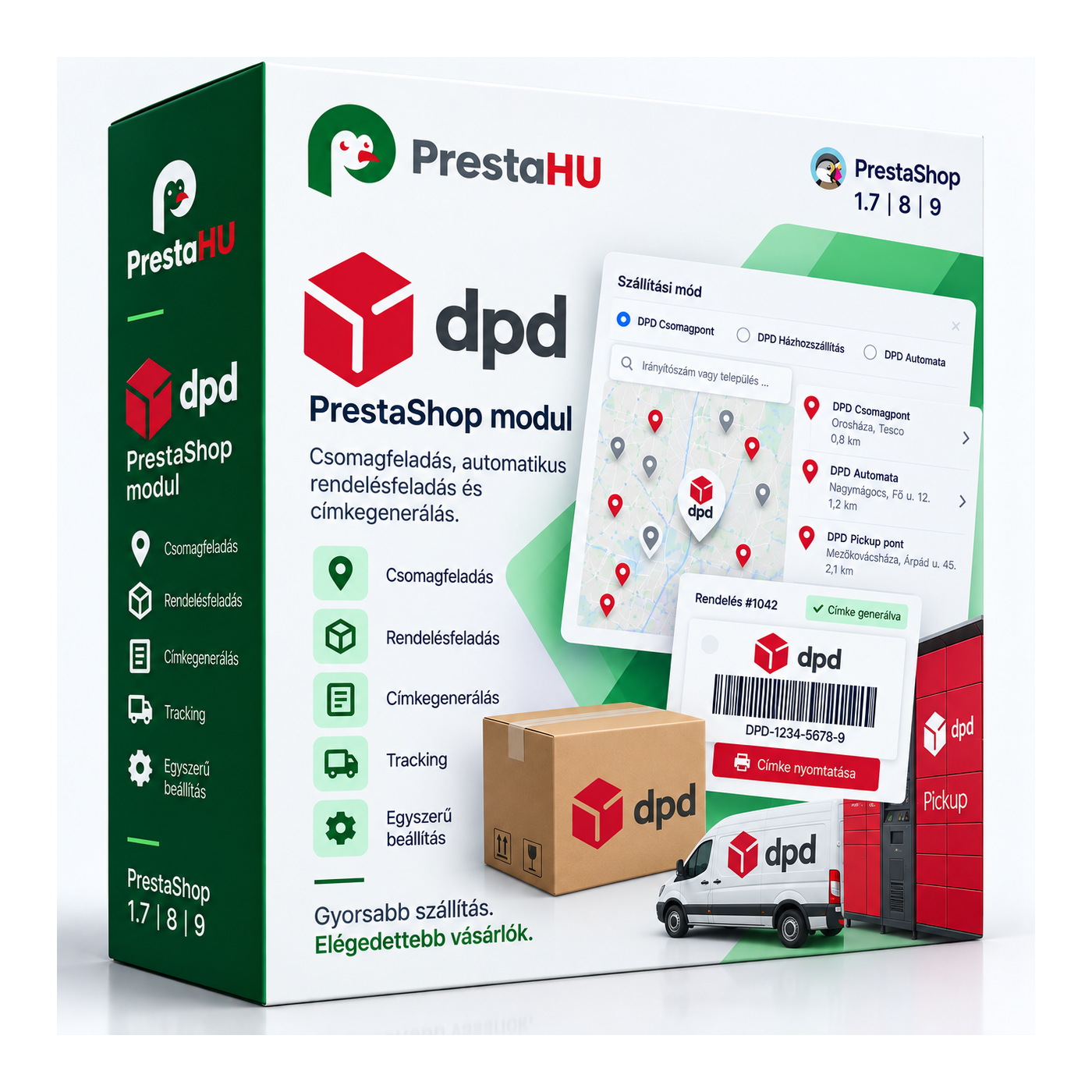
Home delivery and pickup point
Two DPD shipping methods show at checkout: home delivery and pickup point. The customer chooses what suits them.


It builds a direct API connection between your shop and the DPD system. At checkout the customer picks home delivery or a pickup point and selects the point on a map; from the admin you create the parcel and print the label — several orders at once, on a single sheet. DPD tracking events flow back into the order status, so both you and the customer see where the parcel is.
Two DPD shipping methods show at checkout: home delivery and pickup point. The customer chooses what suits them.
For a pickup point the customer selects the collection point on a map, so an exact point is stored on the order.
From the admin you create the DPD parcel and print the label, on A4 or label size. Several orders' labels at once, on one sheet.
DPD tracking events are mapped to the PrestaShop order statuses you configure, so shipping status updates automatically.
You define which payment methods count as cash on delivery, and the COD amount is set on the parcel sent to DPD.
Optional parcel insurance with an upper value cap, so high-value parcels are covered too.
A DPD business contract and its API access: customer ID, sender ID and token. You set the sender address, map your payment methods to cash on delivery, and assign DPD statuses to your own order statuses.
Browse our other PrestaShop modules.
Courses and tutorials for PrestaShop.
Detailed usage documentation.
Direct help during install and setup.
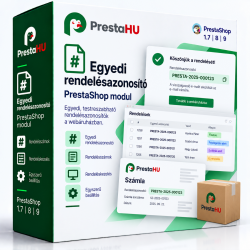
Customize the order ID based on a formula of your choice. It will be much easier to track orders if their IDs have a specific pattern.
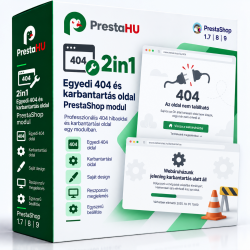
Ez a modul lehetővé teszi egyéni és animált "404/Page Not Found" és egyéni karbantartási oldal létrehozását.
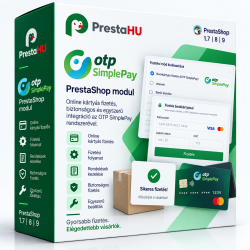
Card payment option via OTP SimplePay for PrestaShop 1.7.x, 8.x and 9.x versions.
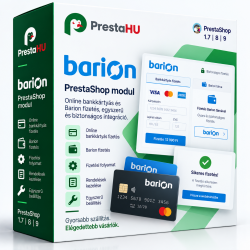
Credit card payment option via Barion Smart Gateway for PrestaShop 1.7.x, 8.x and 9.x versions. The PrestaShop extension recommended by...
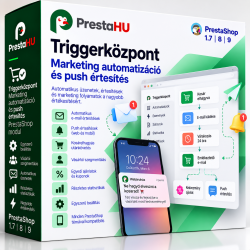
TriggerHub sends automated emails and browser web push notifications on customer events: order status change, abandoned cart, new items...
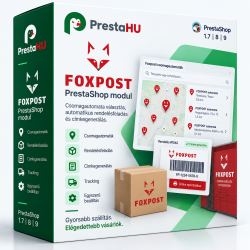
A Foxpost module által a Foxpost csomagautomata és Foxpost házhozszállítás szállítási lehetőséget elérhetőek lesznek a felhasználók...